Dyslexia Browser

For dyslexia, dyspraxia and visual stress

Browse the web your way.

A web browser that tints every page in a colour that suits you, opens articles in a calm reader with dyslexia fonts, and reads them aloud.

iPhone, iPad and Android · Free for 7 days, then £7.99 a year

Try it now: pick a filter colour

Then press Aa on the phone to open the reader.

See it in action

A closer look at the app

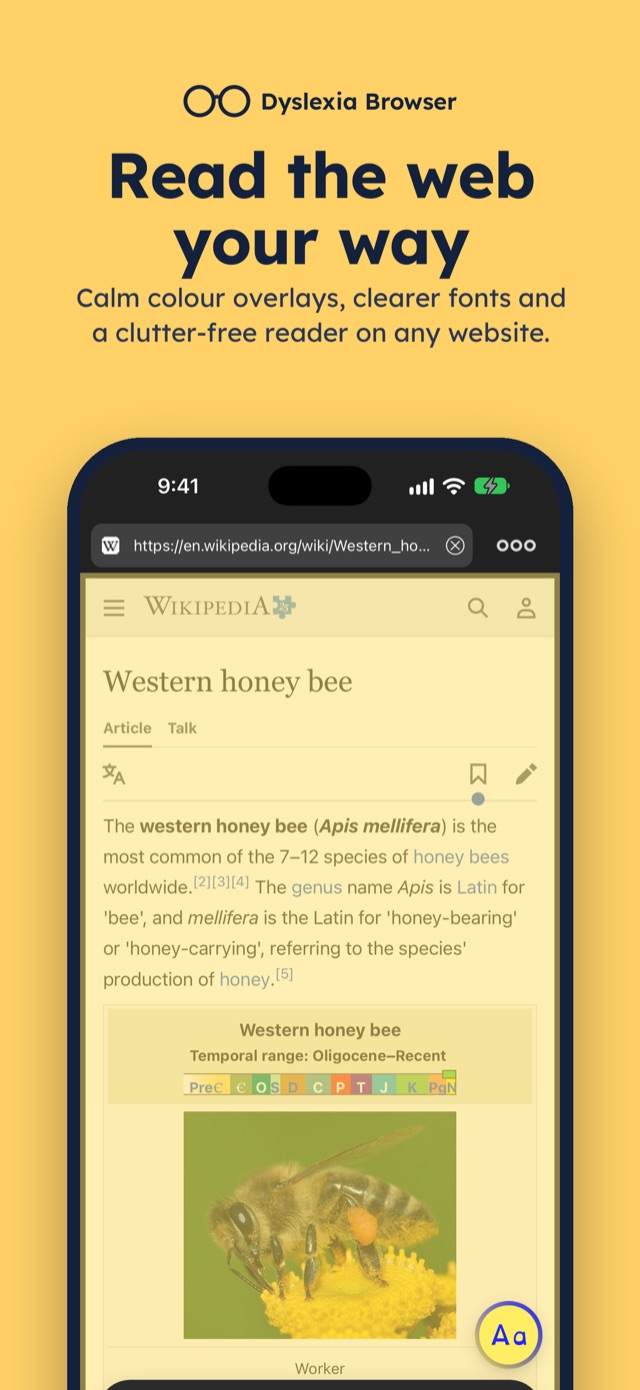
  • Read the web your way: a web page with a yellow colour filter over it.
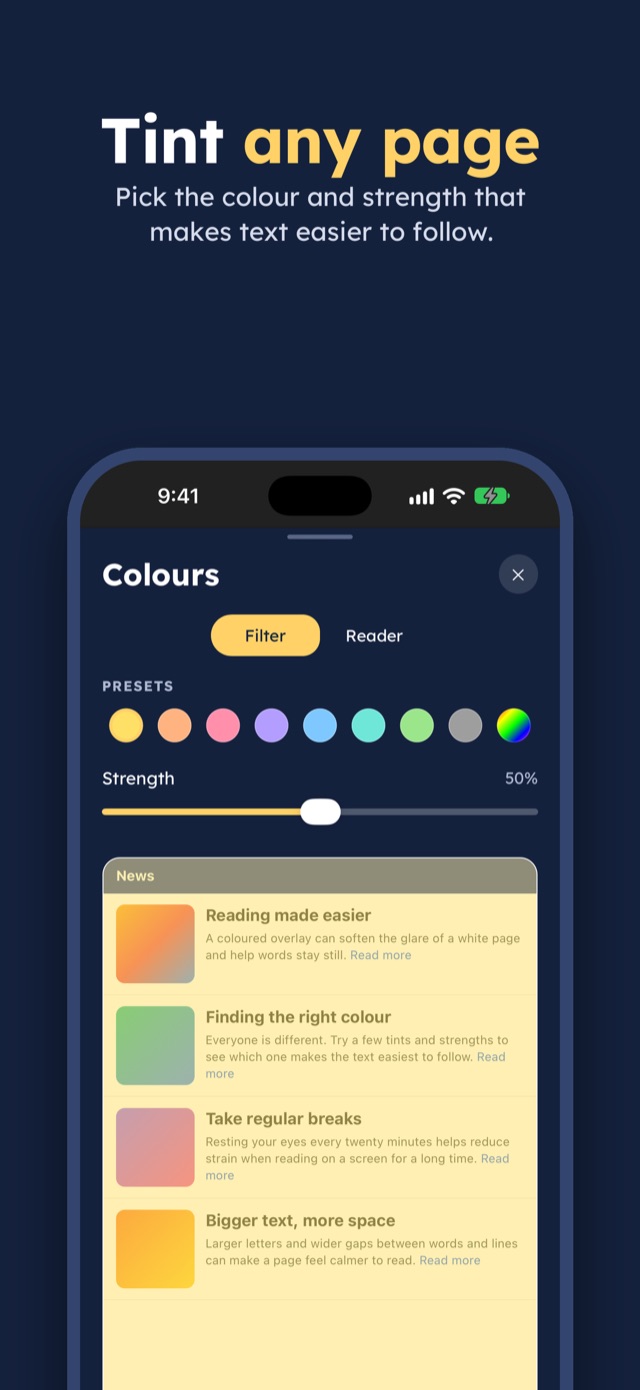
  • Tint any page: the Colours sheet with colour presets and a strength slider.
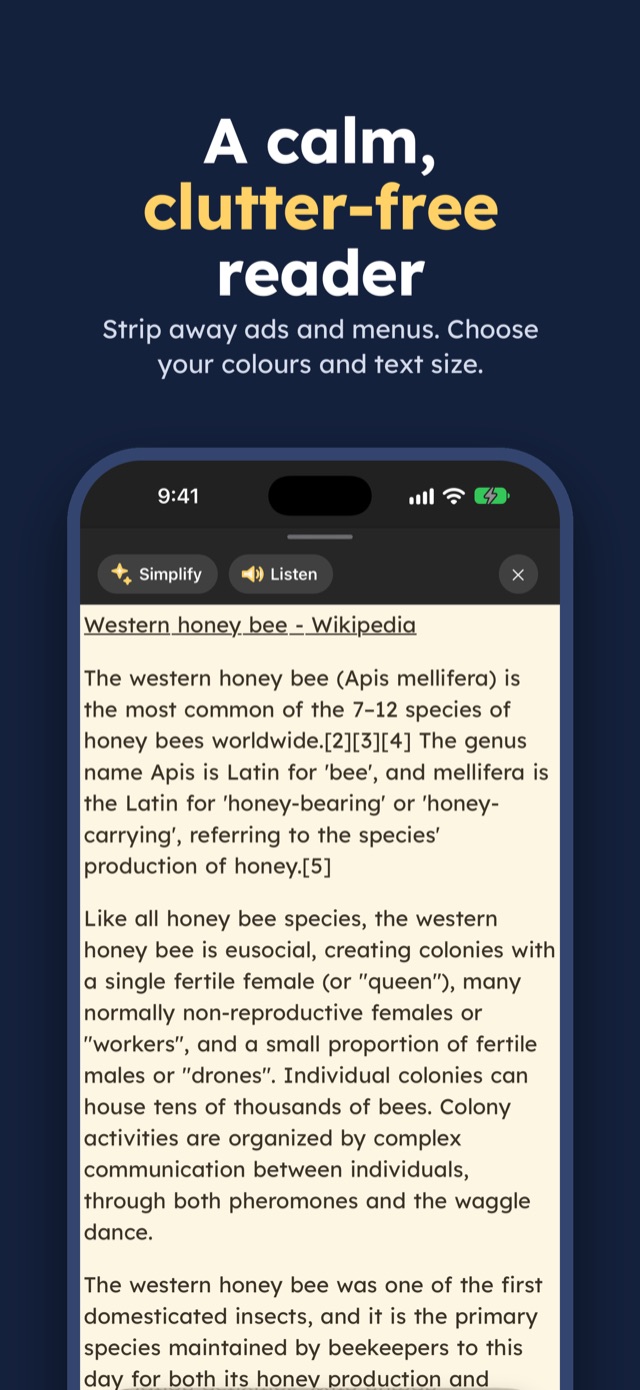
  • A calm, clutter-free reader: an article in reader view on a cream background.
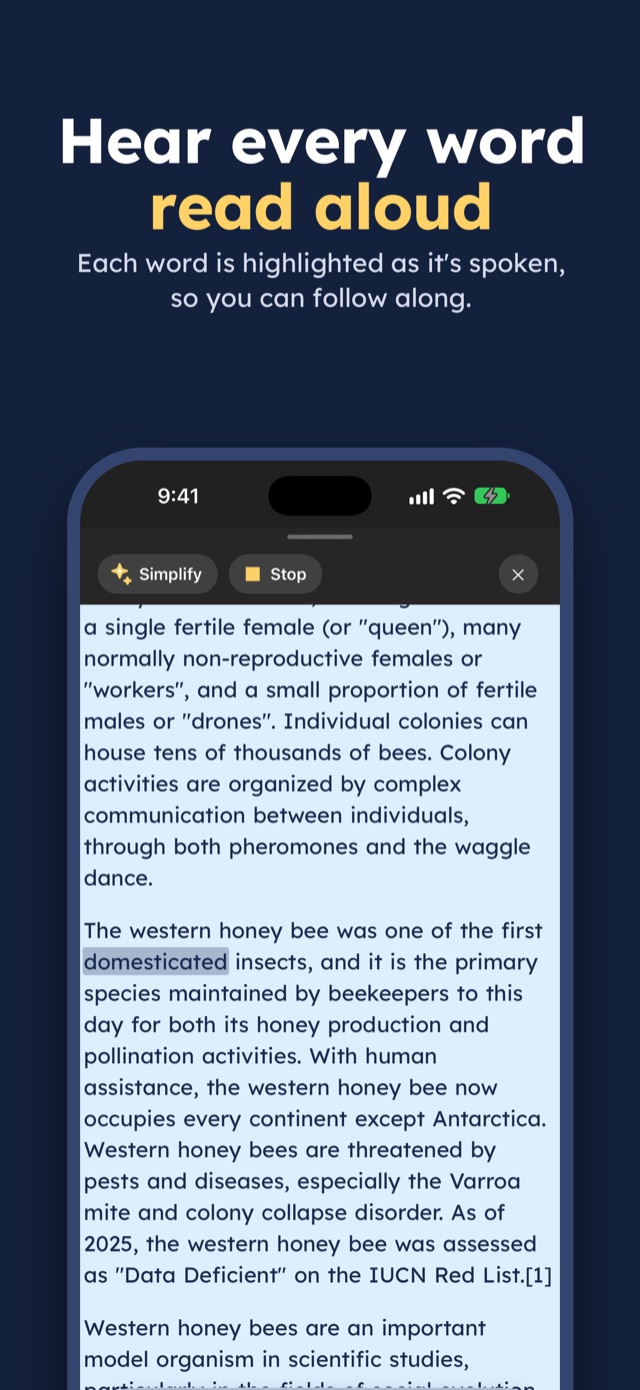
  • Hear every word read aloud: reader view with the spoken word highlighted.
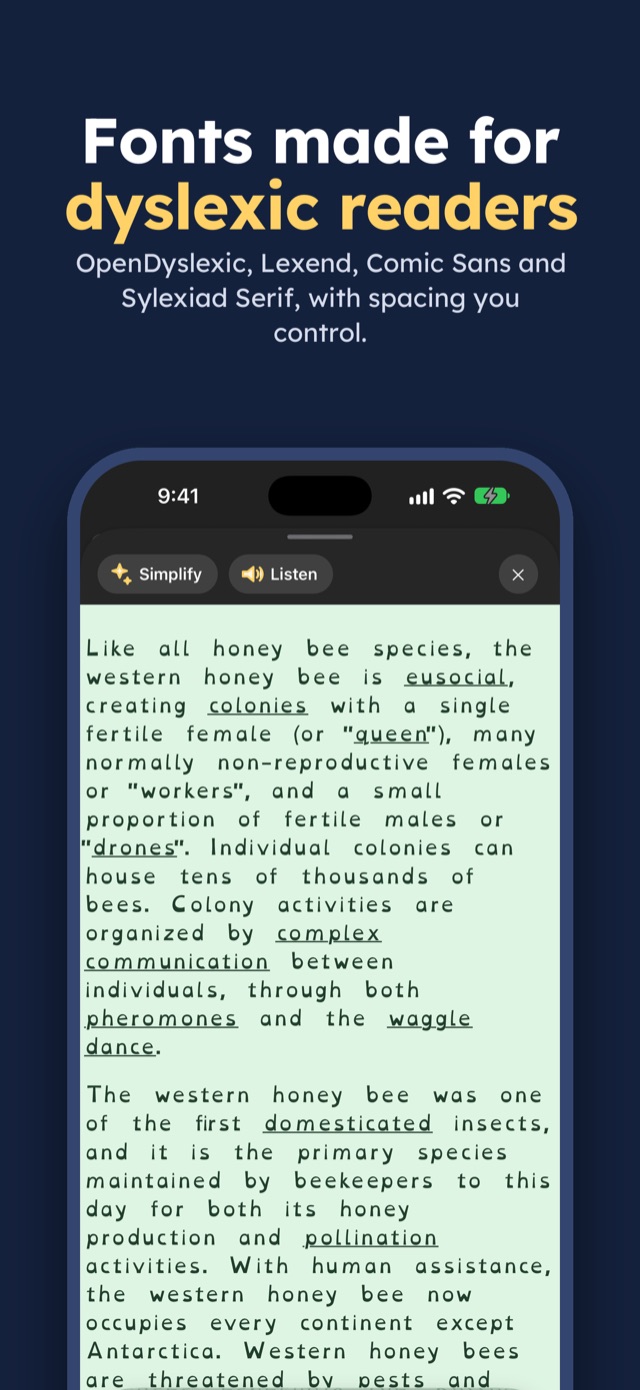
  • Fonts made for dyslexic readers: an article in the OpenDyslexic font on a mint background.

How it works

Like a colour overlay for the whole web

1

Pick your colour

Choose a filter colour and how strong it is. It stays on as you move from page to page.

2

Browse as normal

Search, open tabs and save bookmarks. Every website shows through your tint.

3

Tap Aa to read

The reader button lifts the article out of the clutter and shows it in your font and colours.

Colour filters

Colours that feel right, on every page

Eight calm tints sit over the whole screen, like a coloured overlay sheet. Turn the strength up or down until the glare goes and the words keep still.

Your bin collection days are changing

From next month, recycling will be collected every other Tuesday. Put your bin out by seven in the morning, with the lid closed.

Garden waste moves to Thursdays. You can check your new dates on the council website.

Reader view

Fonts made for dyslexic readers

Reader view strips out adverts and menus and keeps the words. Choose OpenDyslexic, Lexend, Comic Sans or Sylexiad, and a colour theme that is easy on your eyes.

Theme

Font

Dear parent,

The school trip to the museum is on Friday. Please send a packed lunch and a coat, as we will be walking part of the way.

Children should arrive by half past eight.

Simplify

Hard article? Simplify it

One tap rewrites the page in shorter sentences and plainer words, so you get the point without the struggle. Available on iPhone and iPad with Apple Intelligence, on models that support it.

Listen

Too tired to read? Listen instead

Text to speech reads the article aloud in a voice from your device, highlighting each word so you can follow along.

For anyone who finds reading on screens hard work

Students

Research, revision sites and course pages.

Parents

School websites, forms and homework help.

Adults at work

Long articles, guidance pages and online documents.

Everyday browsing

News, recipes, shopping and timetables.

Reviews

What people say

In their own words, from the App Store.

★★★★★

This app is amazing! I have dyslexia and visual stress and this has helped sooo much! Would highly recommend!

# GraceH #, App Store, 2018
★★★★★

A breath of fresh air for dyslexic people like me.

Ndoli, App Store, 2019
★★★★☆

Very good overall. Had a tricky start but APP support was fast and personal.

Minkybug**, App Store, 2022

Tell us what you think

Something you love, or something that could be better? We'd love to hear from you.

Privacy

Private by design

Your colours, history and bookmarks stay on your phone.

Read the privacy policy

  • Private browsing mode keeps no history while it is on.
  • Simplify runs on your device with Apple Intelligence.
  • Clear your browsing history from Settings at any time.

Try everything free for 7 days

Then choose to keep going. Cancel any time.

Best valueYearly£7.99 a year
Monthly£1.99 a month
Lifetime£9.99, pay once

iPhone, iPad and Android.

From the same team

Reading on paper? Try Dyslexia Glasses

Point your camera at a letter, menu or worksheet and read it in the same fonts and colour themes. £3.99, lifetime use.

See Dyslexia Glasses

Reading made comfortable, on every website

Download Dyslexia Browser and try it on the next page you open.